Choosing an Icon
When you create a Bubble type notification, the floating button displays an icon that visitors see before they click to open the panel. Choosing the right icon helps set expectations for what the notification contains.
Available Icons
NotifyBubble offers 8 icons to choose from:
Alert
A triangle with an exclamation mark. Best for urgent messages, important announcements, or warnings that need attention.
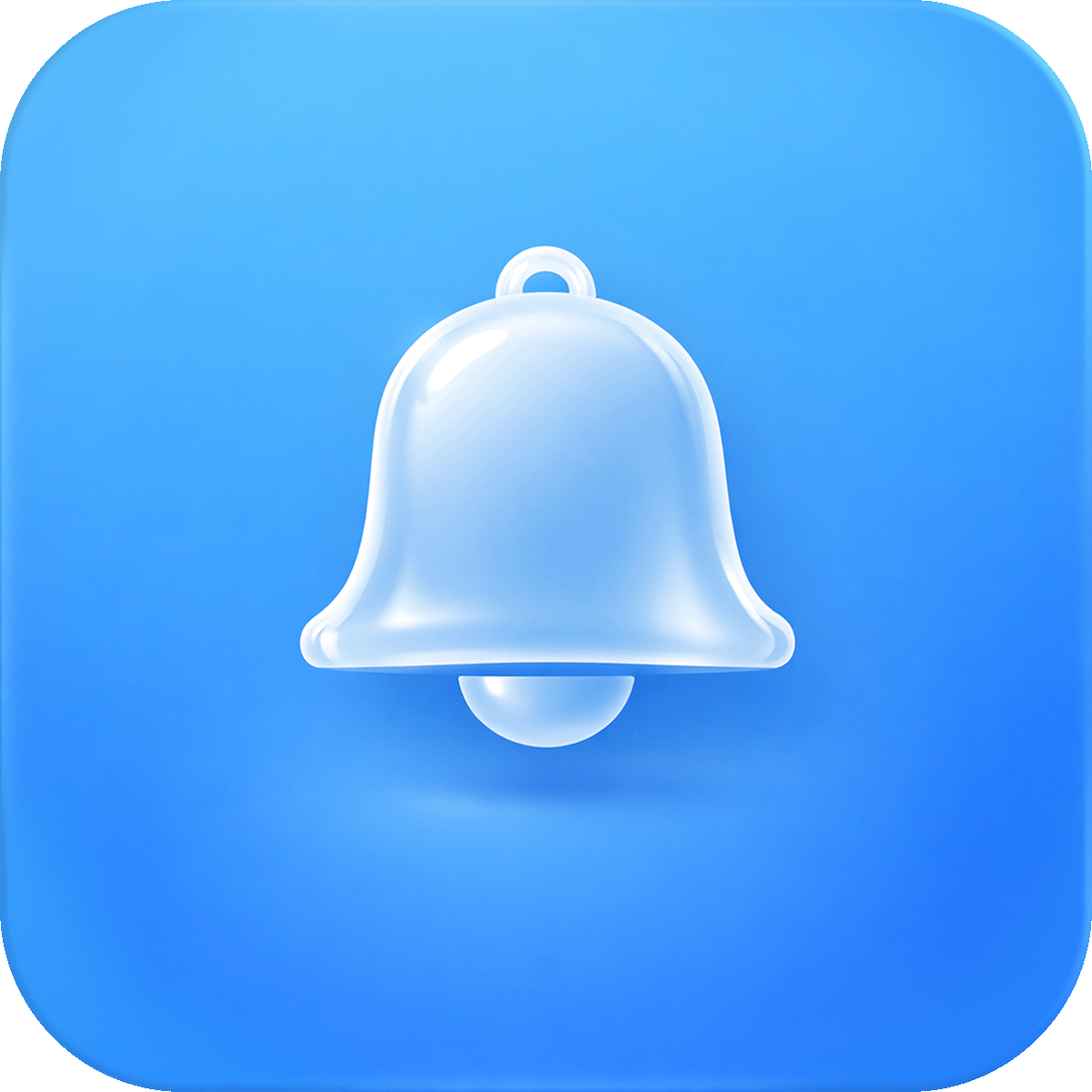
Bell
A classic notification bell. Best for general announcements, updates, and news. This is a universally recognized notification symbol.
Chat
A speech bubble icon. Best for welcome messages, customer engagement, or any conversational content. Gives the impression of a chat or messaging feature.
Info
A circle with the letter "i". Best for informational content like shipping policies, store hours, FAQs, or helpful tips.
Megaphone
A loudspeaker icon. Best for promotions, sales announcements, product launches, or anything you want to broadcast loudly.
Star
A star icon. Best for featured content, special offers, new arrivals, or highlighting something noteworthy.
Heart
A heart icon. Best for expressing appreciation, loyalty programs, thank you messages, or community engagement.
Gift
A wrapped gift box icon. Best for giveaways, discount codes, special rewards, free shipping offers, or holiday promotions.
Choosing the Right Icon
Match your icon to the purpose of your notification:
| Purpose | Recommended Icon |
|---|---|
| Sale or promotion | Megaphone or Star |
| Welcome message | Chat or Heart |
| Shipping info | Info |
| Important update | Alert or Bell |
| Discount code | Gift |
| New product launch | Star or Megaphone |
| Holiday greeting | Gift or Heart |
| Store policy | Info |
Icon Color
You can customize the color of the icon using the Icon Color setting. The default is white, which works well against the primary color background of the bubble button.
If you change your primary color to something very light, consider using a darker icon color for better visibility.
Tips
- The icon is the first thing visitors notice, so pick one that clearly represents your message
- If you're running multiple notifications on different pages, consider using different icons to differentiate them
- The default Alert icon works well as a general purpose attention grabber if you're unsure which to pick